
Poor layout decisions, uncomfortable seating, harsh lighting, and clutter often undermine productivity, making the best home office design mistakes an important topic for anyone trying to build a functional workspace. Identifying these issues early prevents fatigue, distractions, and workflow slowdowns that interfere with daily performance. From overlooking ergonomics to choosing ineffective storage, many common errors are easy to fix once you know what to look for. This guide offers practical, experience-backed insights that help readers recognize and correct these pitfalls, ensuring their workspace supports efficiency, comfort, and long-term well-being instead of holding them back.
Ignoring Ergonomics
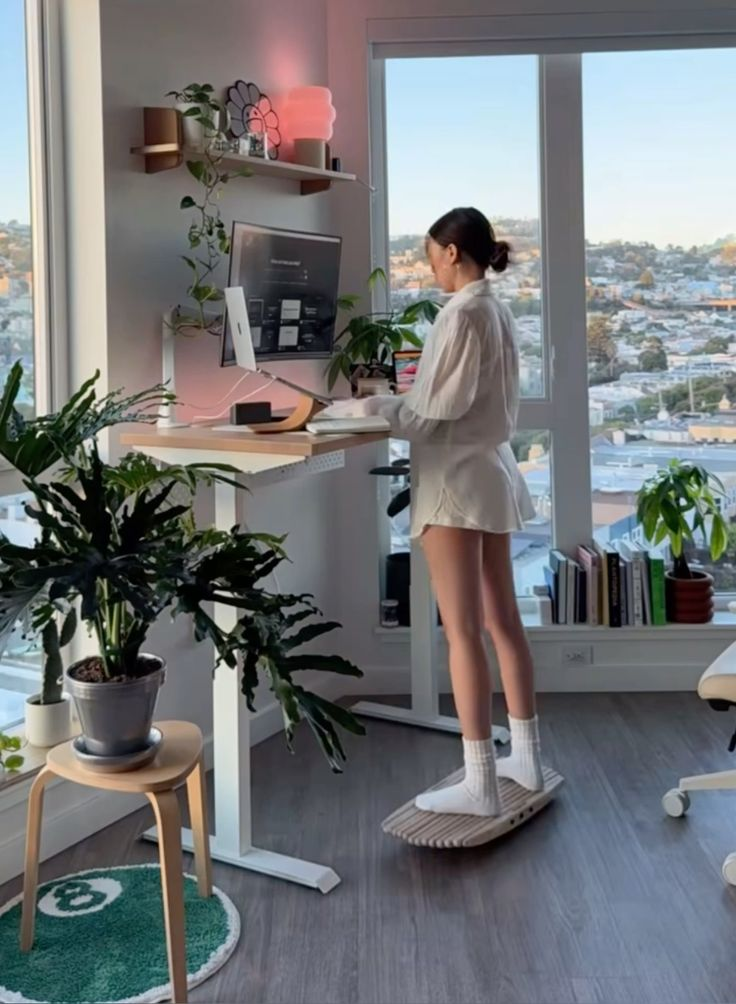
Many home offices fall short because comfort isn’t treated as a non-negotiable foundation. When the workstation doesn’t align with the body’s natural posture, fatigue builds quickly, slowing productivity and increasing long-term strain. Chair height, desk height, and monitor positioning all influence spinal alignment and shoulder tension, yet these fundamentals are often overlooked during setup. People tend to focus on style before function, which often leads to stiffness, wrist pain, and poor circulation. Correct ergonomics supports sustained concentration and reduces micro-discomforts that accumulate throughout the day. A supportive chair with adjustable lumbar control, a desk that keeps elbows at ninety degrees, and a monitor set at eye level help create a healthier environment. Footrests, wrist supports, and cushioned mats further refine usability for extended sessions. Skipping these adjustments can cause headaches, back pain, and inconsistent work quality. Taking the time to refine posture-related elements creates an environment that encourages longer, more comfortable sessions without strain. Ultimately, ergonomics isn’t about luxury—it’s about protecting physical well-being while improving efficiency. A workspace that supports movement, proper alignment, and ease of use becomes a valuable daily asset. Small refinements create significant long-term benefits for anyone working from home.
Zero Cable Management
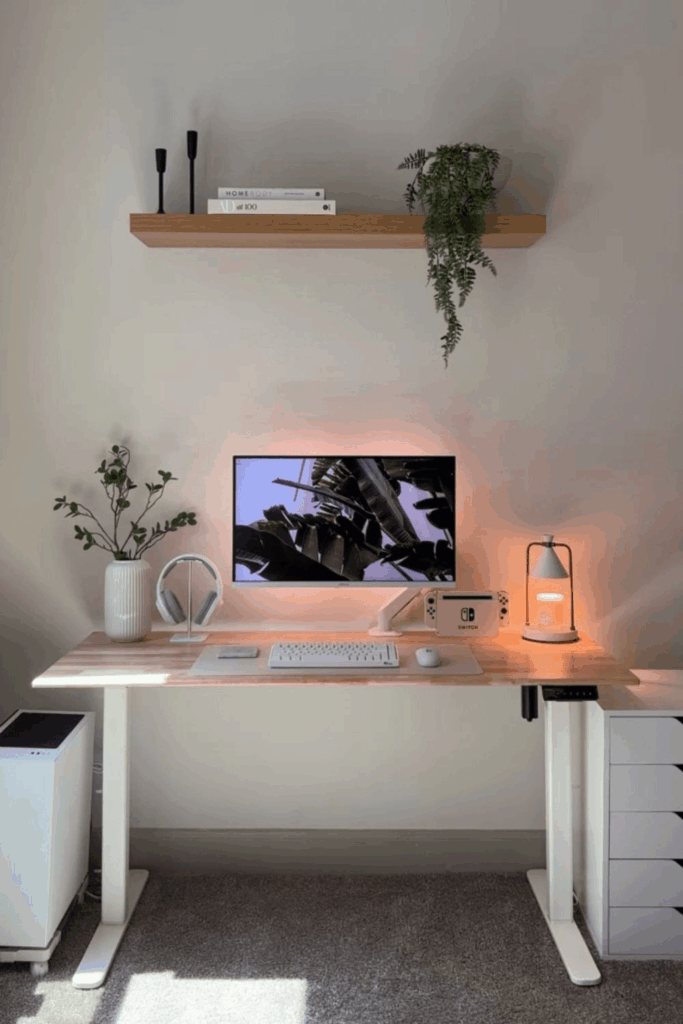
Visual clutter builds quickly when wires sprawl across the desk, floor, and wall edges, making even a stylish room feel chaotic. Tangled cables create distractions, reduce usable space, and introduce unnecessary stress whenever devices need adjusting or replacing. Poorly managed cords can also trap dust and create tripping risks, especially in tight setups. A cleaner environment starts with intentional routing using clips, sleeves, under-desk trays, and adhesive guides that keep wires grouped and hidden. Wireless peripherals help reduce bulk, but structured planning still matters for chargers, monitors, and CPU connections. When cables mix freely, troubleshooting becomes harder, and the workspace looks messy no matter how elegant the furniture or décor may be. Cable labels, short-length wires, and power strips with surge protection support a more functional system. Mounting power strips beneath the desk removes floor clutter entirely and frees legroom. This small organizational effort strengthens the overall visual flow of a home office, helping the mind stay focused. Effective cable management produces a work zone that feels intentional and easier to maintain. Eliminating cord chaos improves both the look and usability of the workspace, creating a more professional and calming environment.
Poor Lighting Choices
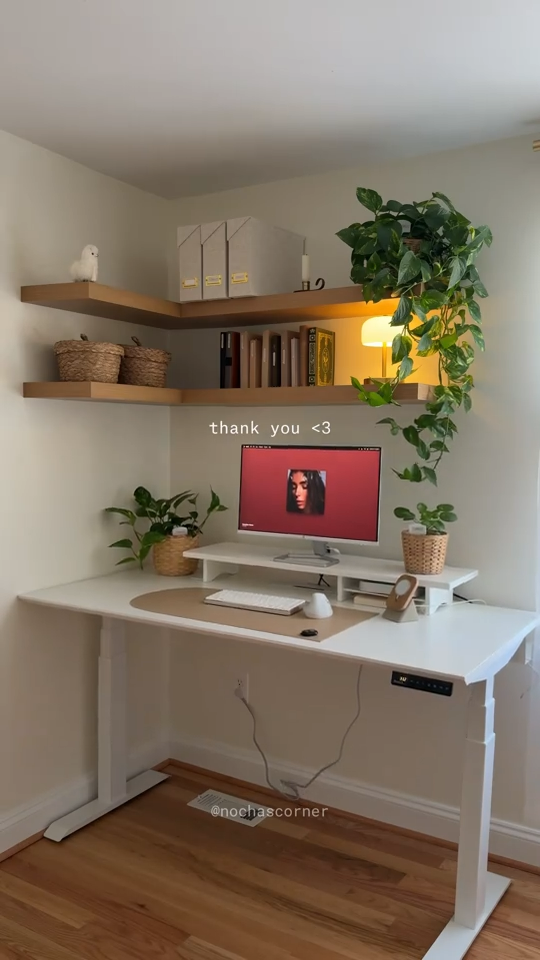
Harsh shadows, dim corners, and mismatched lighting temperatures often weaken an otherwise functional office. When illumination doesn’t match task needs, eye strain develops quickly, reducing comfort and productivity. Many rooms rely solely on overhead fixtures that cast uneven light, leaving work surfaces underlit or overly bright. White balance also plays a major role; cool lighting can feel sterile, while warm lighting sometimes muddies color accuracy. Effective setups blend ambient, task, and accent lighting to support clarity and balance. Desk lamps with adjustable brightness help regulate focus-intensive periods, while indirect lighting provides a softer glow that keeps the room visually comfortable. Light placement should avoid screen glare, as reflections make detailed work frustrating. Smart bulbs or dimmers allow easy control throughout the day, adapting brightness as natural light shifts. Neglecting this essential component creates discomfort, even when the furniture and décor are thoughtfully chosen. A well-lit workspace boosts energy, keeps the atmosphere pleasant, and strengthens visual comfort. Prioritizing lighting design creates a more inviting, efficient, and adaptable home office environment that genuinely supports long hours of work.
Oversized Furniture in Small Rooms

Scale often gets misjudged when selecting home office pieces for compact spaces. Bulky desks, deep chairs, and large storage units overwhelm the room, restricting movement and reducing flow. When furniture dominates the floor plan, the environment feels cramped, heavy, and visually stressful. Even high-quality pieces lose their appeal if they make the room difficult to use. Measurements should guide every purchase, ensuring pathways remain open and the workstation fits comfortably within the layout. Slim profiles, wall-mounted solutions, and streamlined seating reduce bulk without sacrificing functionality. Multi-purpose items—such as desks with built-in shelves or vertical cabinets—help maximize limited square footage without adding unnecessary mass. Oversized furniture often limits natural light penetration as well, making the room appear darker and tighter. A balanced approach to scale improves both comfort and efficiency, allowing the workspace to feel spacious and intentional. When proportions match the size of the room, the overall environment becomes far more inviting and easier to maintain. Thoughtful sizing keeps the focus on productivity rather than navigating around obstructive pieces. A small room can feel expansive with the right furniture choices, proving that spatial harmony matters as much as style.
Not Defining a Work Zone
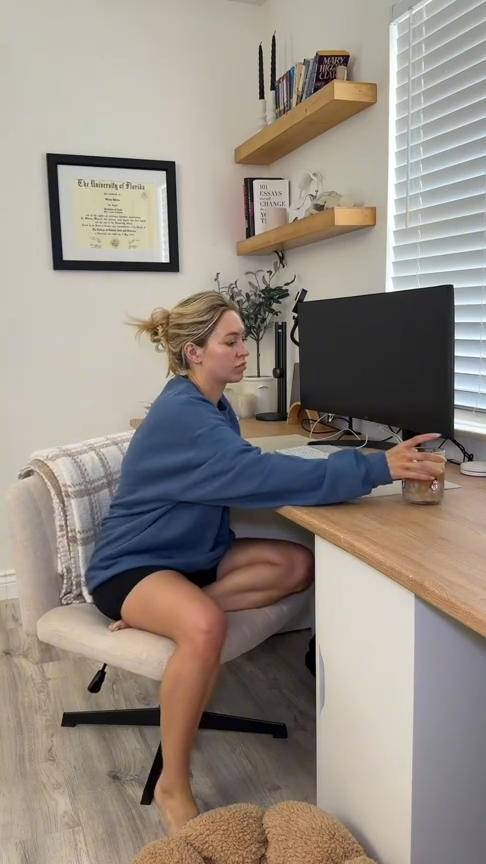
Blurred boundaries between work and living areas often reduce concentration and create chronic distractions. When the office lacks a clearly designated zone, productivity suffers, and the space never fully feels purposeful. Even in small homes, structure can be achieved through zoning techniques such as furniture placement, rugs, lighting variation, or subtle color shifts. A dedicated work area signals the mind to switch into focus mode, reinforcing routine and reducing the temptation to multitask with household activities. Without this separation, clutter from other rooms tends to migrate into the workspace, leading to ongoing disorder and stress. Defined zones also help with sound control, cable organization, and storage planning because the parameters are clear. Whether carved out of a bedroom corner or situated in a separate room, a clear boundary improves workflow. The intention isn’t isolation—it’s clarity. Acknowledging the workspace as a functional environment strengthens discipline and minimizes disruptions. People often feel more energized and prepared when they enter a space specifically arranged for work tasks. Creating a deliberate zone enhances mental structure, supporting long-term productivity and helping maintain balance between professional responsibilities and home life.
Neglecting Wall Storage

Unused vertical space often becomes a major missed opportunity in home offices. When walls remain bare, storage pressure shifts entirely to the floor and desk surfaces, making clutter accumulate quickly. Shelves, pegboards, floating cabinets, and rail systems all offer efficient ways to free up room while keeping essentials accessible. Properly designed wall storage supports smoother workflows by organizing documents, tools, and frequently used supplies within easy reach. This reduces time wasted searching for items and keeps the workstation visually cleaner. Many people avoid wall-mounted solutions due to installation fears, but modern systems are lightweight, modular, and renter-friendly. Wall storage also contributes to better zoning, helping define the workspace more clearly even in multipurpose rooms. When the desk stays clear, concentration improves and creativity flows more naturally. A balanced combination of open and closed wall units prevents visual clutter while maintaining functionality. Ignoring this area often leads to piles, crowded drawers, and an office that feels smaller than it is. Leveraging the wall plane creates an organized, efficient, and dynamic environment where everything has a place. Vertical solutions transform storage limitations into streamlined usability, making daily tasks easier and the workspace more enjoyable.
Choosing Distracting Decor

Overly bold patterns, excessive color contrast, and visually busy accessories often interfere with the calm rhythm needed for focused work. While personality matters, décor that triggers constant attention shifts ultimately reduces productivity and adds mental noise. A balanced approach favors intentional pieces that contribute to the mood without overpowering it. Large statement art, reflective surfaces, and flashy elements can disrupt screen-based tasks by pulling the eye away from essential work. Clutter-heavy displays create a sense of chaos, making the environment feel disorganized even when the desk is tidy. A cohesive visual direction supports clarity, helping the mind settle into deeper concentration. Thoughtful decoration doesn’t remove character; it refines atmosphere. Soft textures, minimal patterns, and restrained palettes tend to support professional tasks more effectively. Purposeful items—such as plants, subtle artwork, or curated shelving—offer personality without causing overstimulation. Maintaining balance between style and function ensures the work zone feels grounded, productive, and aligned with long-term goals. When décor enhances rather than distracts, the workspace becomes an inviting place to spend time.
No Sound Control
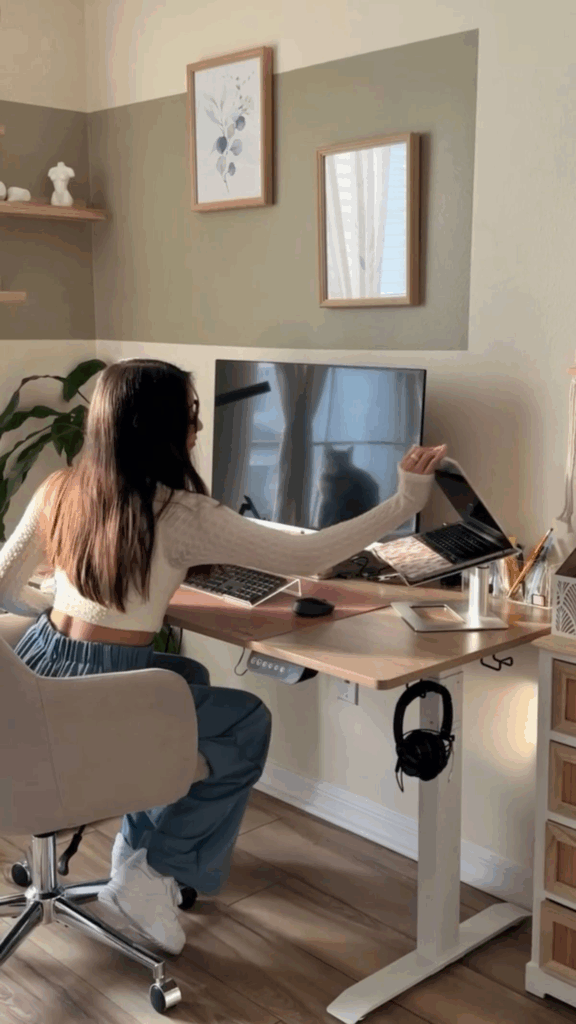
Noise disruption is one of the most common issues undermining home office performance. Without measures to manage sound, concentration wavers, stress rises, and work sessions become less efficient. Hard surfaces like bare floors and empty walls amplify noise, sending echoes throughout the room. Soft furnishings such as curtains, rugs, and upholstered chairs absorb excess sound, helping create a calmer environment. Acoustic panels, bookshelf walls, and door seals further minimize interruptions from other areas of the home. Even small choices—like switching to quieter peripherals or using white noise—contribute to a more stable auditory environment. Sound management doesn’t require major renovations; strategic placement of soft materials often delivers noticeable improvements. When external noise is reduced, deep-focus tasks become more manageable, video calls sound clearer, and overall comfort improves. Neglecting acoustics often leads to frustration, especially in shared homes where daily activities overlap. Creating a workspace with controlled sound elevates the sense of privacy, helping the mind stay on track. A quieter environment ultimately increases productivity and improves work satisfaction.
Inconsistent Color Palette
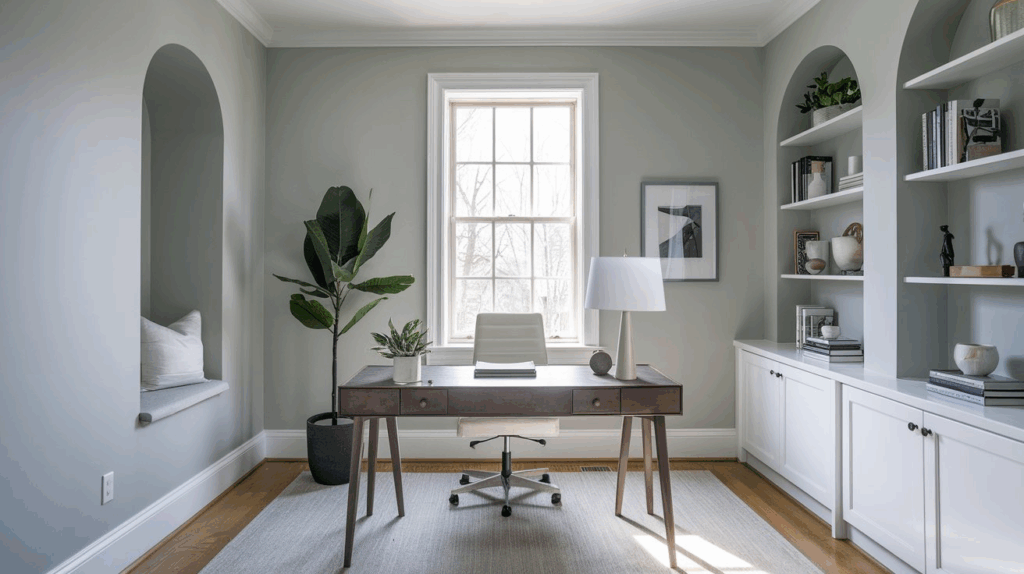
Visual harmony affects concentration more than many people realize. When a workspace mixes too many unrelated tones, patterns, and finishes, the environment feels scattered and harder to focus within. A cohesive palette creates order, allowing the eye to rest and the mind to settle into work mode. Colors influence mood, energy levels, and perceived room size, so an inconsistent scheme often leads to subconscious irritation or fatigue. Establishing a core palette—typically three to five tones—helps maintain structure across furniture, walls, accessories, and storage. Neutral bases with considered accent colors support calm energy while still delivering personality. A disjointed palette can make even well-designed furniture feel mismatched, reducing the overall professionalism of the room. Keeping consistency doesn’t mean eliminating creativity; it means committing to a direction and styling around it. When tones complement each other, the workspace feels polished, organized, and more enjoyable to spend time in. Color cohesiveness also enhances natural light, improving how textures and materials appear. Ultimately, consistency makes the home office feel intentional rather than improvised.
Placing Desk Away From Natural Light
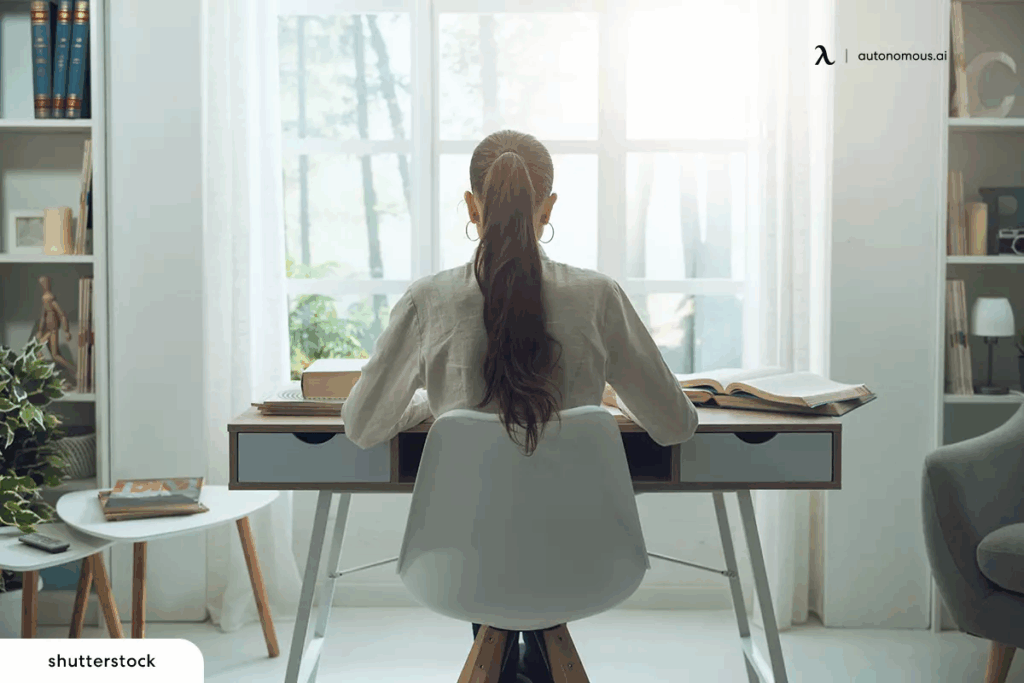
Distance from windows often limits access to one of the greatest productivity boosters: natural light. When the desk sits far from daylight, the workspace can feel dim, closed-in, and less stimulating. Natural light supports healthier circadian rhythms, reduces eye strain, and boosts mood throughout the day. Positioning the desk near a window allows for balanced illumination, clearer visibility, and a more energizing environment. Glare control remains important, but sheer curtains, adjustable blinds, or side placement of the monitor typically solve this issue. Rooms with limited daylight benefit from mirrors and reflective surfaces that bounce available light more effectively. Keeping workstations away from windows often forces reliance on artificial lighting, which can feel harsh or insufficient during long hours. Natural light also visually expands the room, making it feel more open and uplifting. This small layout decision can transform comfort levels dramatically, promoting sustained focus and a more pleasant workflow. Prioritizing daylight access strengthens overall well-being and enhances productivity. A window-side arrangement helps build a workspace that feels both functional and refreshing.
Forgetting Tech Placement
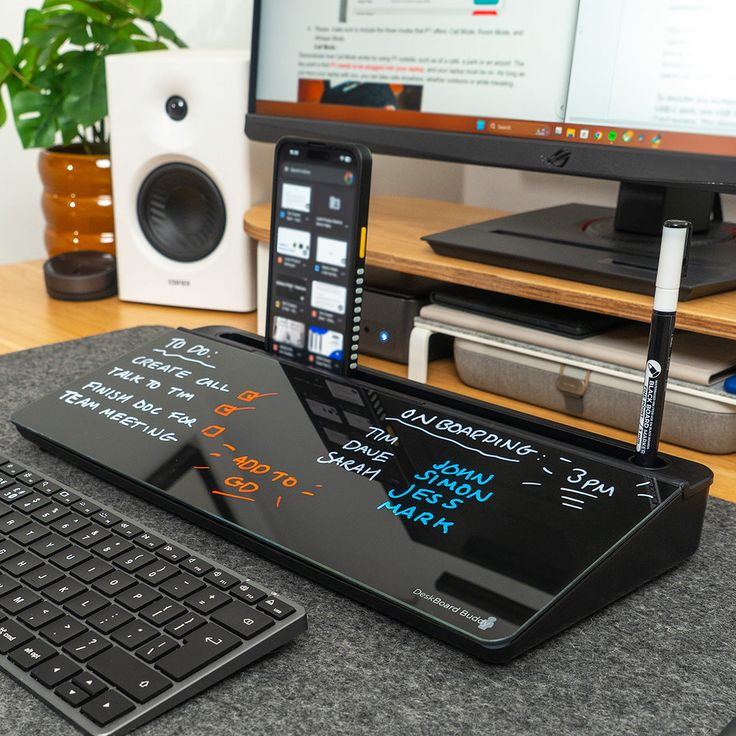
Efficiency drops quickly when devices and accessories lack logical positioning. When tech is scattered, wires stretch unevenly, surfaces feel overcrowded, and essential tools become harder to access. Smooth workflows depend on placing monitors, keyboards, chargers, and peripherals in locations that support natural movement. Monitor height affects posture, keyboard distance influences wrist comfort, and peripherals must remain within comfortable reach. Printers, storage drives, and frequently used gadgets benefit from dedicated zones that prevent clutter buildup. Docking stations, under-desk mounts, and adjustable stands all help refine placement. Overlooking this arrangement often leads to tangled cords and daily frustration. Tech should complement the layout rather than disrupt it. Proper spacing also improves cooling and device longevity, preventing overheating from cramped setups. A well-planned tech arrangement strengthens focus, minimizes interruptions, and supports a streamlined routine. Intentional placement transforms the desk from a crowded surface into a productive command center where everything feels logically situated. This approach empowers consistent workflow and keeps the home office clutter-free.
Lack of Daily-Use Organization

Chaos builds quickly when everyday items lack designated homes. Frequently used supplies—pens, notebooks, chargers, documents, and accessories—tend to gather on the desk, creating visual noise that slows productivity. An effective system prioritizes accessibility while keeping surfaces clear. Drawer dividers, trays, desktop organizers, and labeled bins make retrieval effortless and reduce clutter. Rotating out unused items each week ensures the workspace remains relevant to current tasks. When daily-use organization is ignored, stress increases and efficiency declines due to constant searching and rearranging. A clean workflow environment supports better decision-making and smoother transitions between tasks. Strategic placement of high-frequency items near the dominant hand saves time and minimizes disruptions. Regular maintenance helps maintain order and reinforces productive habits. A tidy workspace fosters mental clarity and a more professional mindset, making it easier to stay focused throughout the day. Ultimately, daily organization isn’t about perfection—it’s about creating a functional rhythm that supports consistent productivity and reduces frustration.